Create interactive training effortlessly.
Most platforms stop at generating slides. Learnbee turns a document or topic into a narrated course — in any of 16 languages — then exports it anywhere, no LMS required.

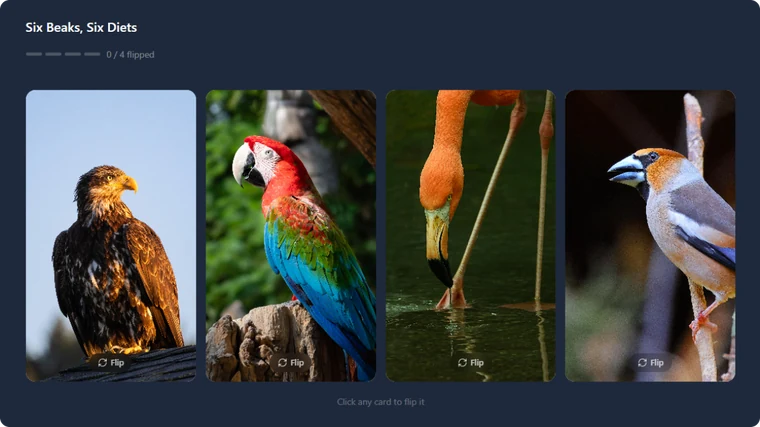
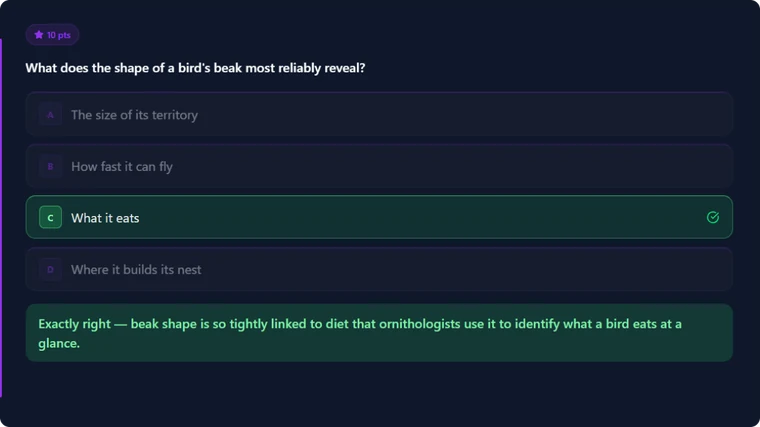
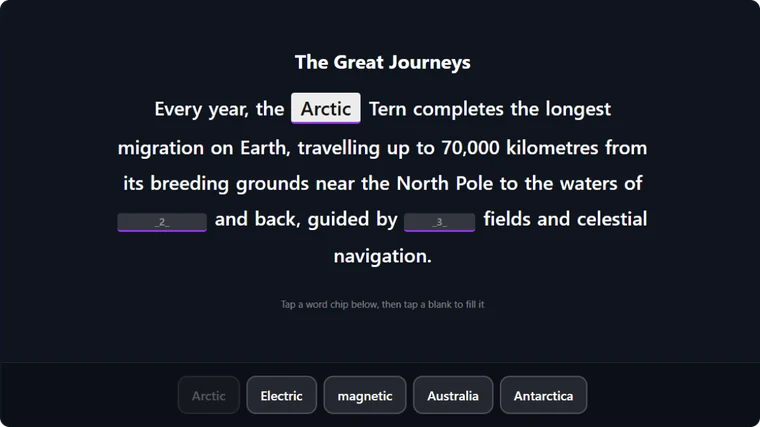
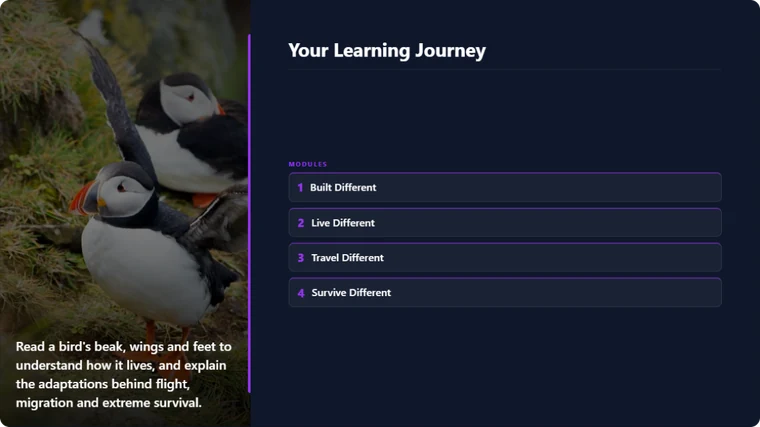
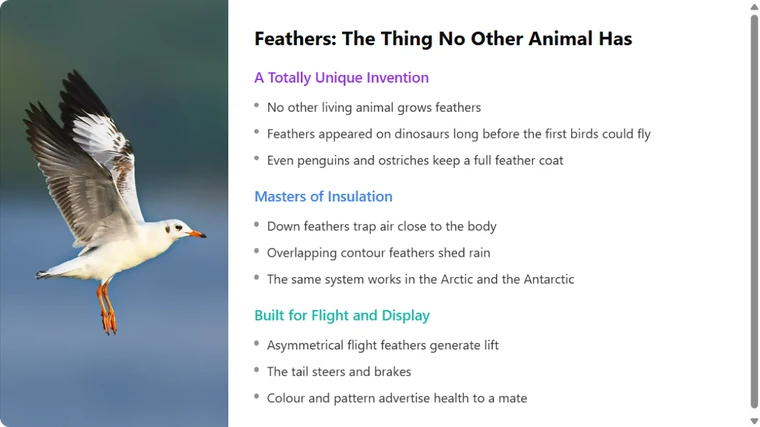
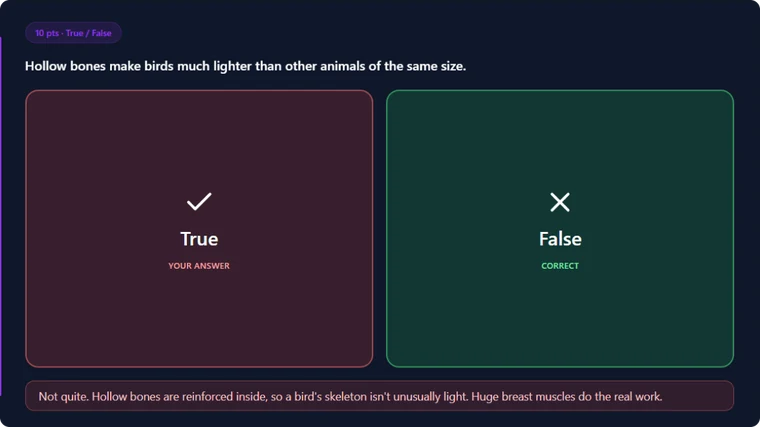
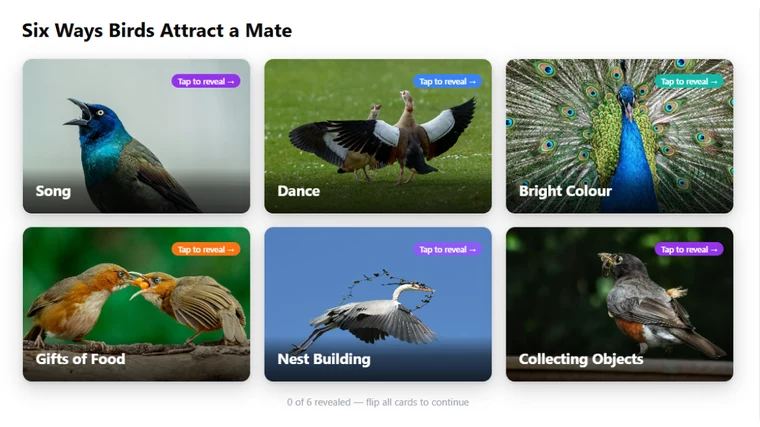
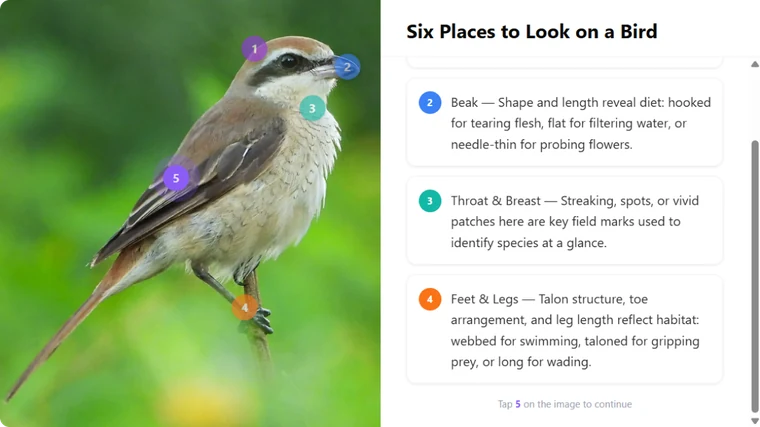
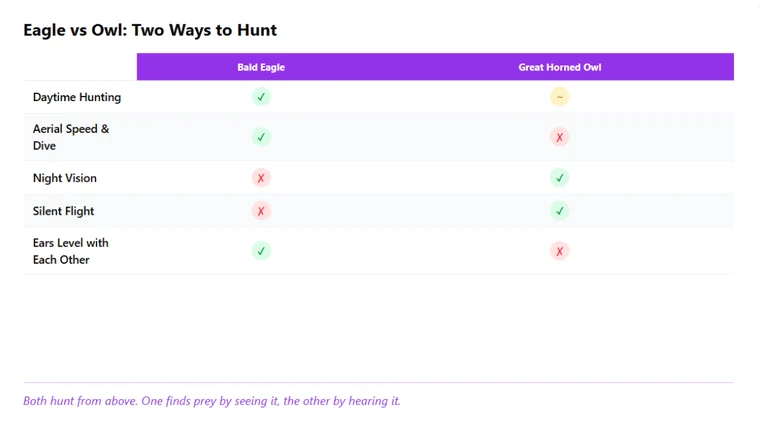
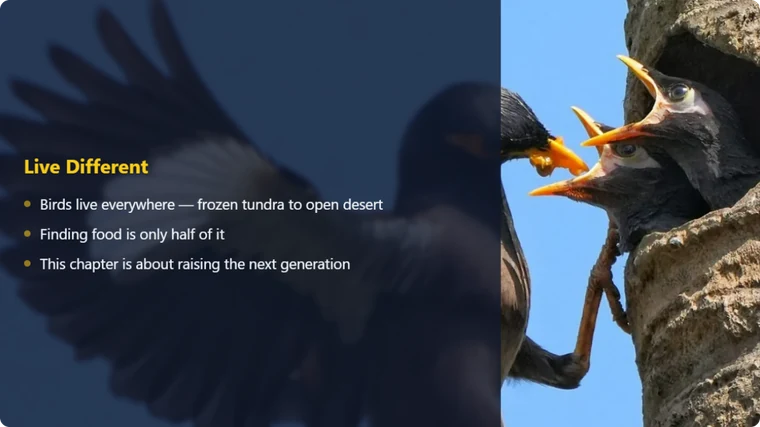
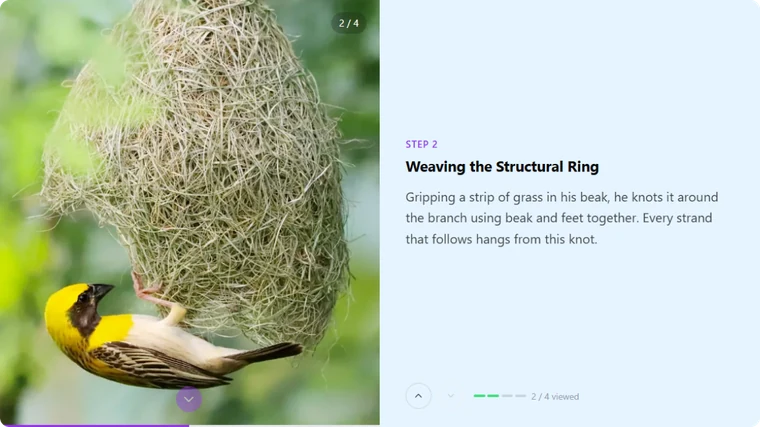
Every Slide You Need to Build Engaging Learning
From immersive visuals to interactive moments, create courses that feel made for the way people learn today.

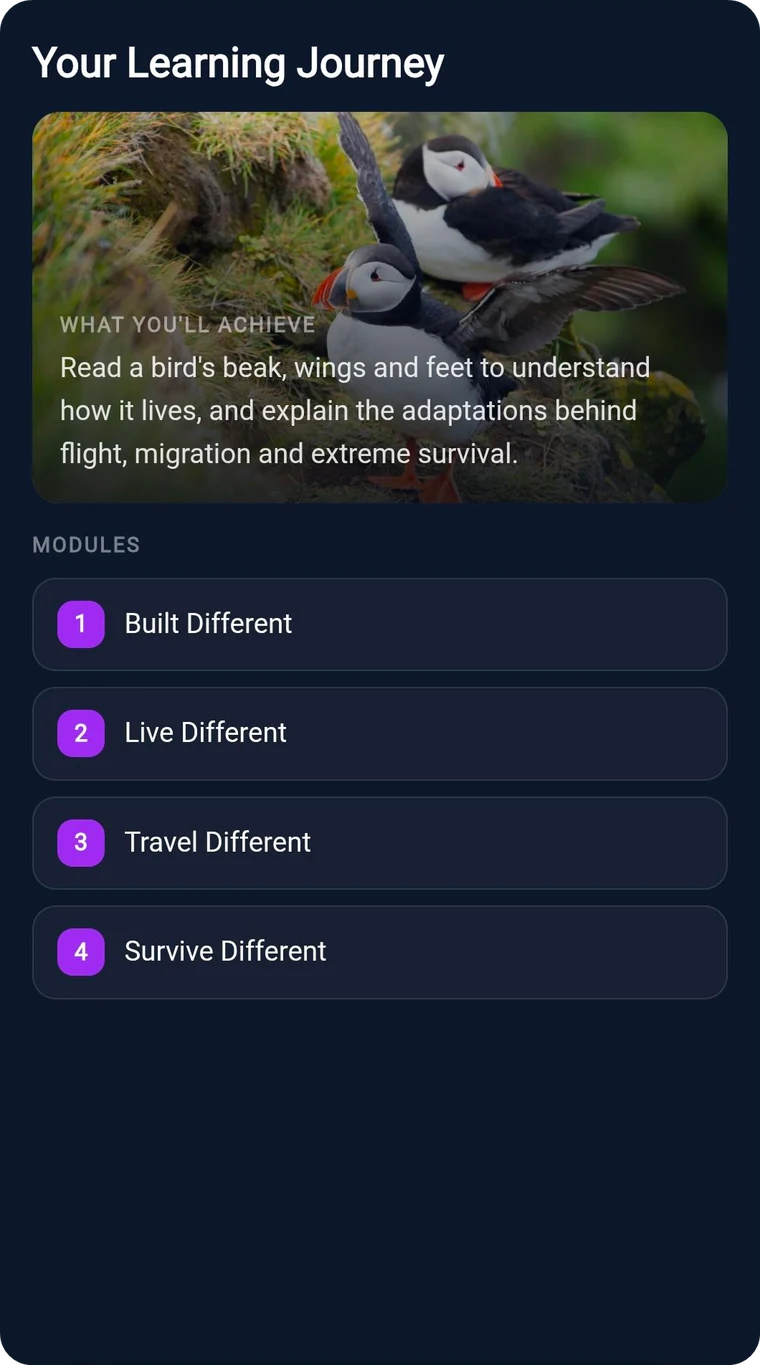
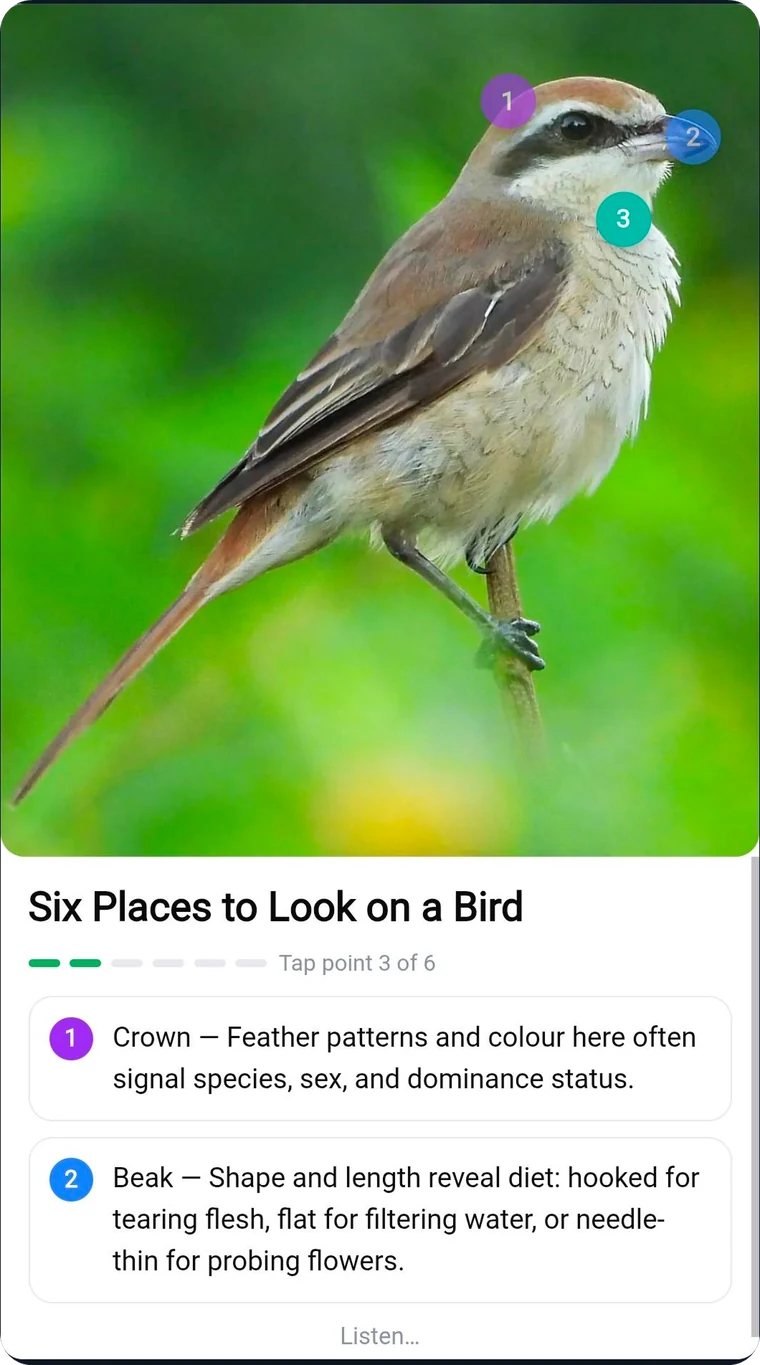
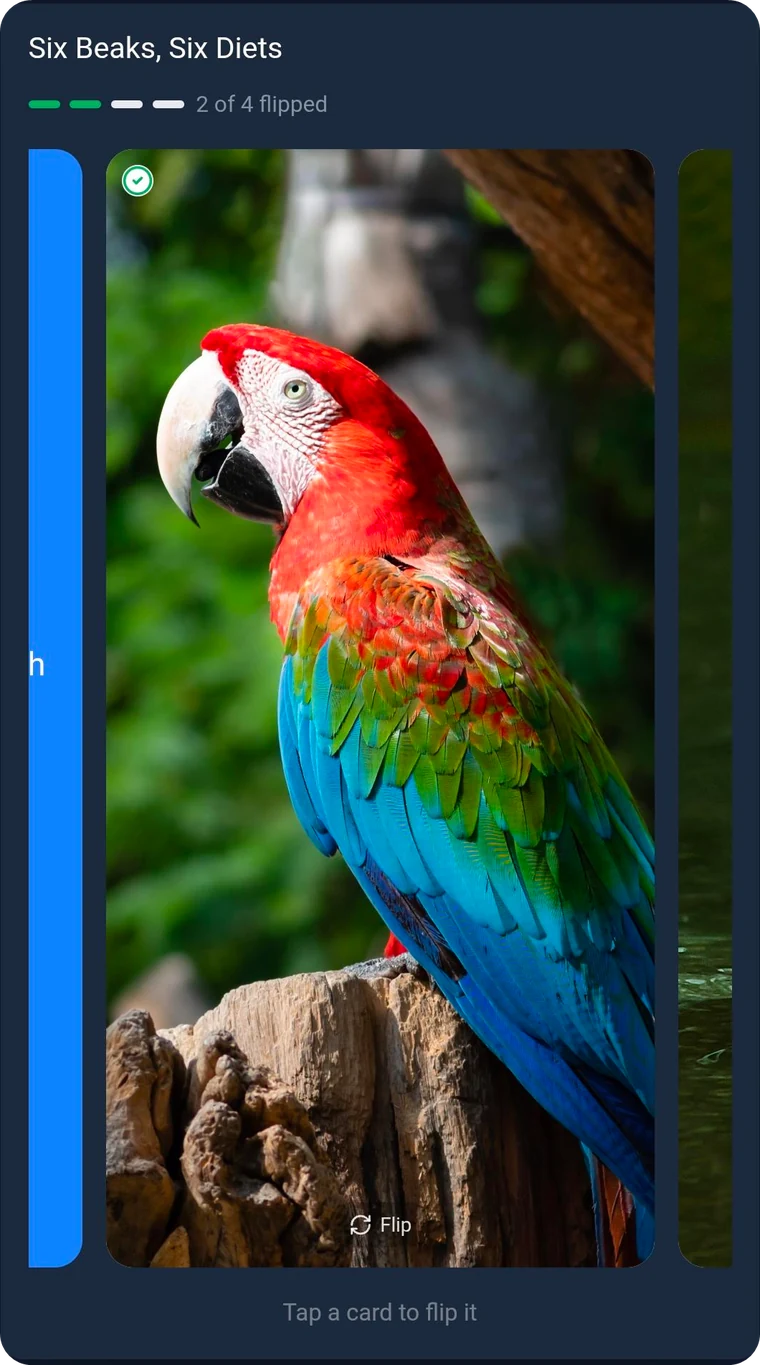
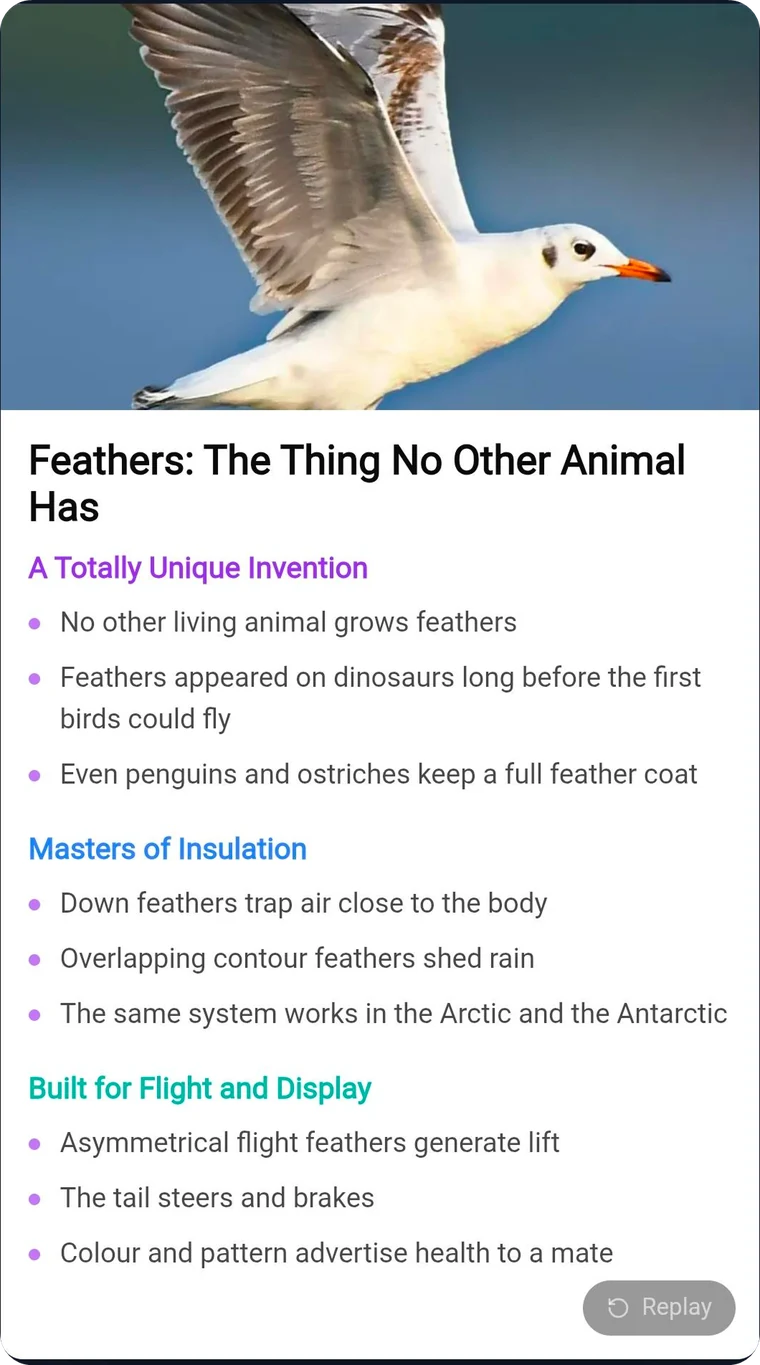
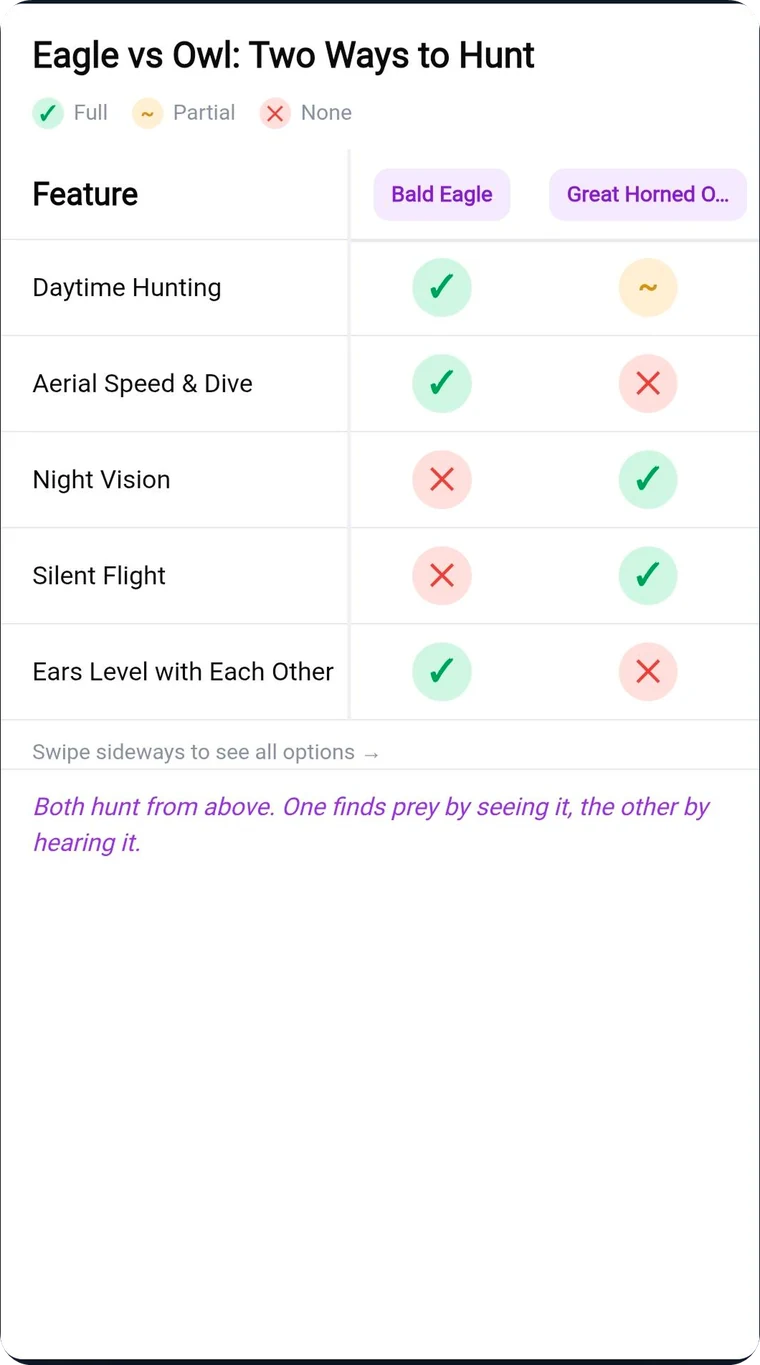
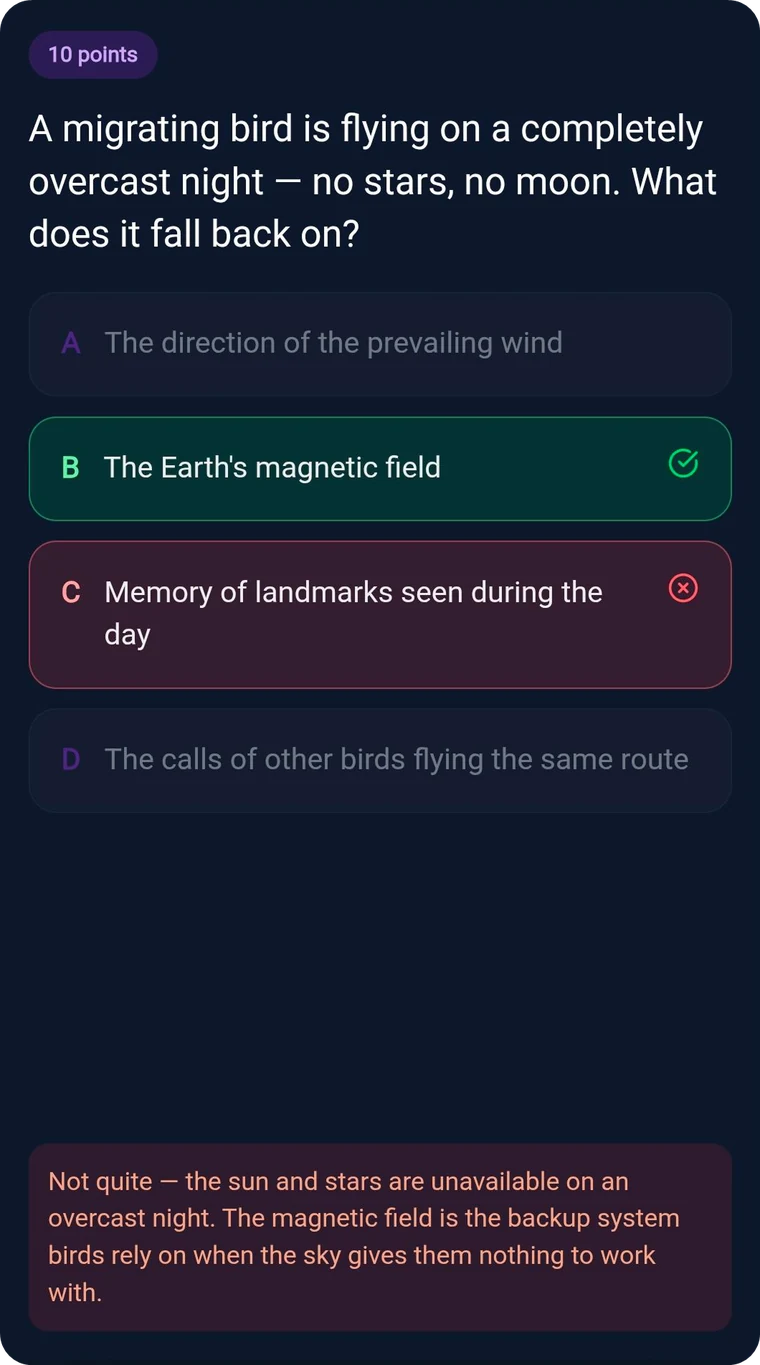
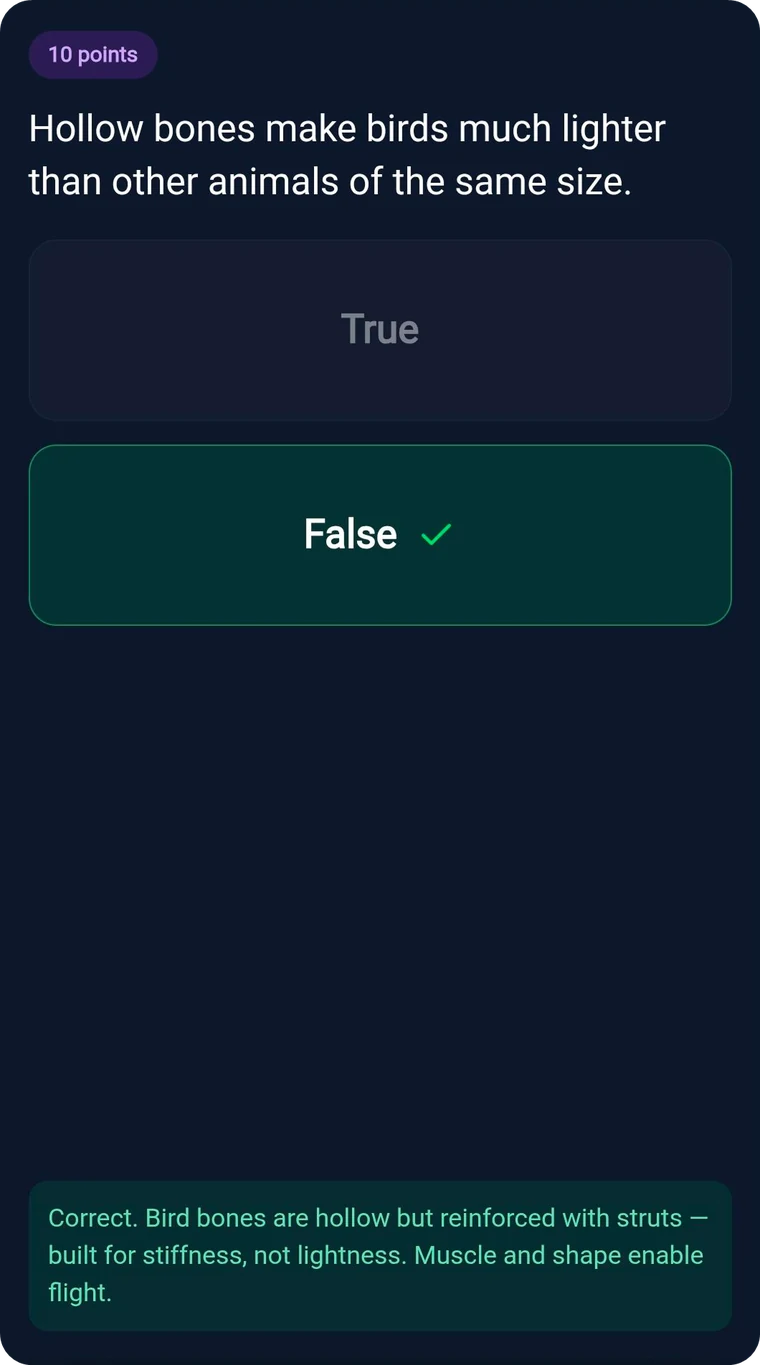

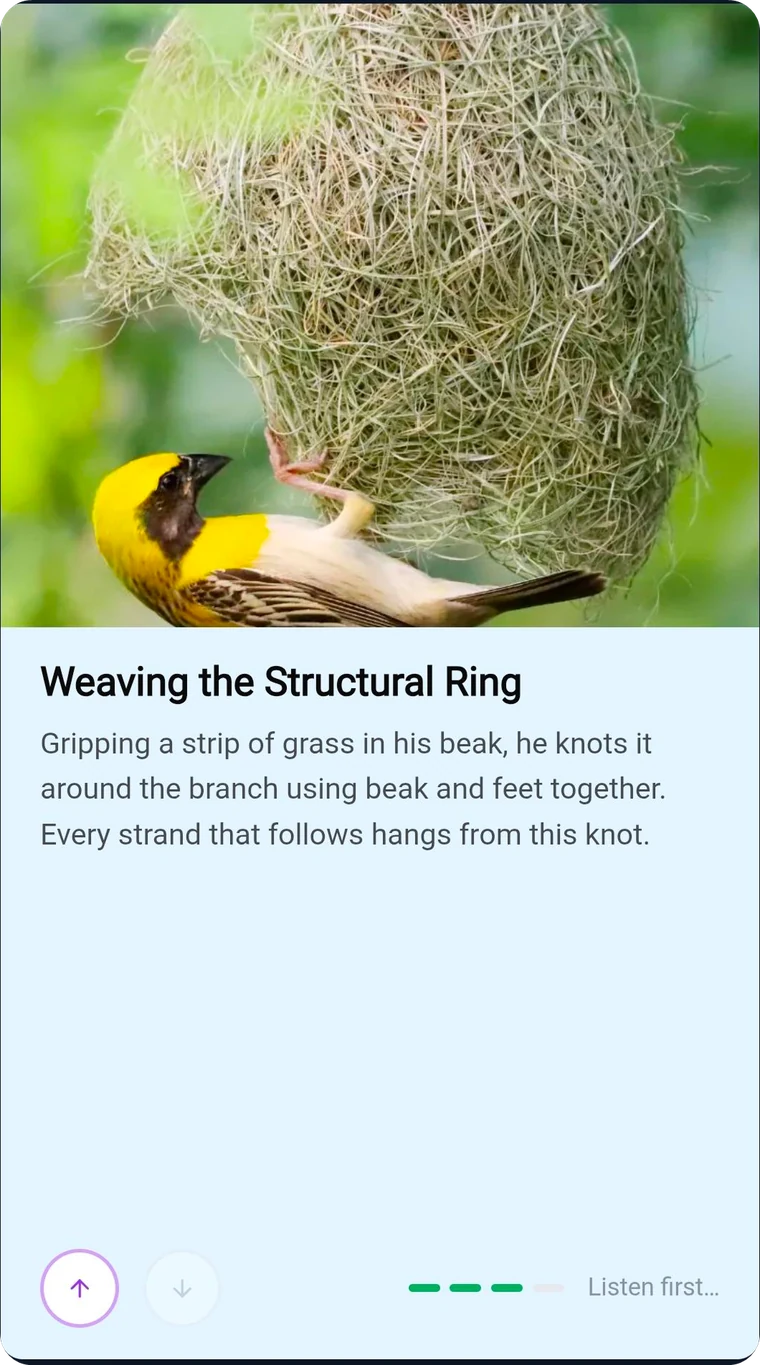
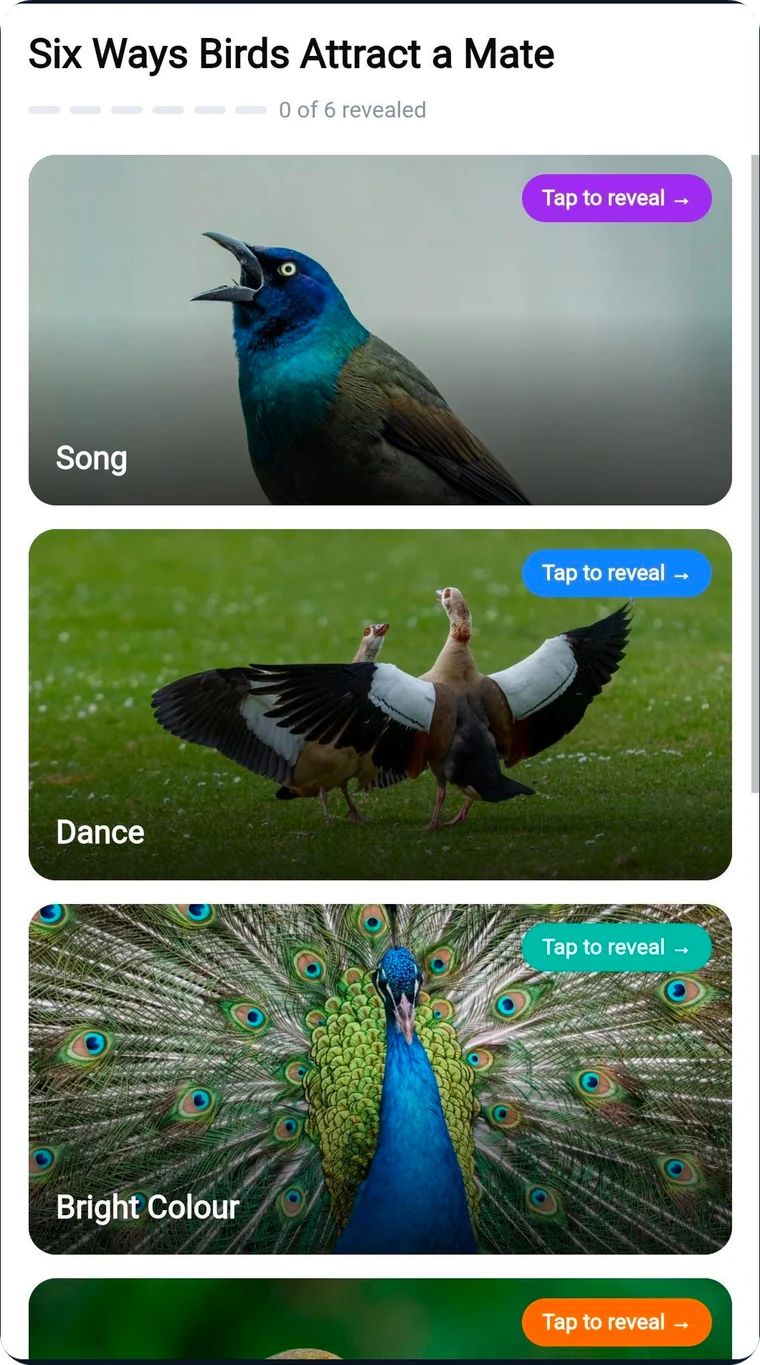
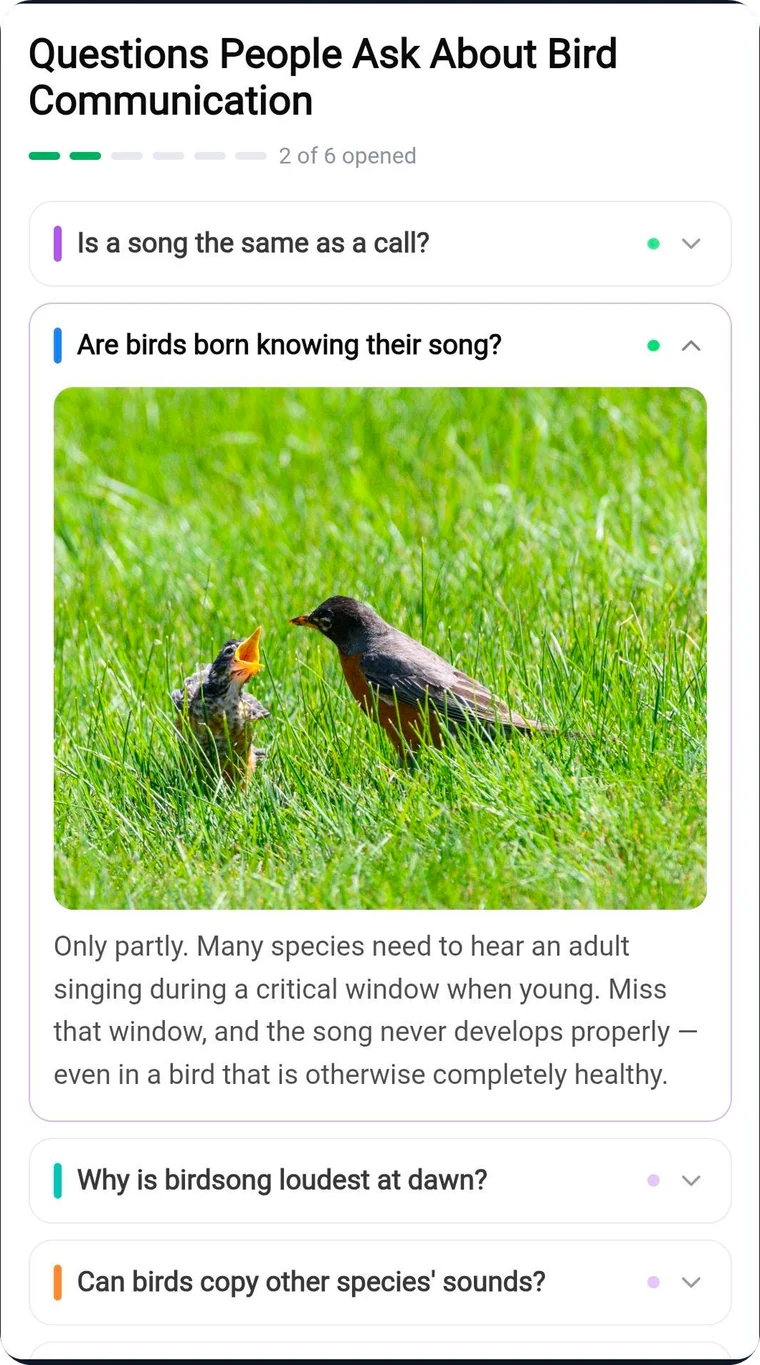
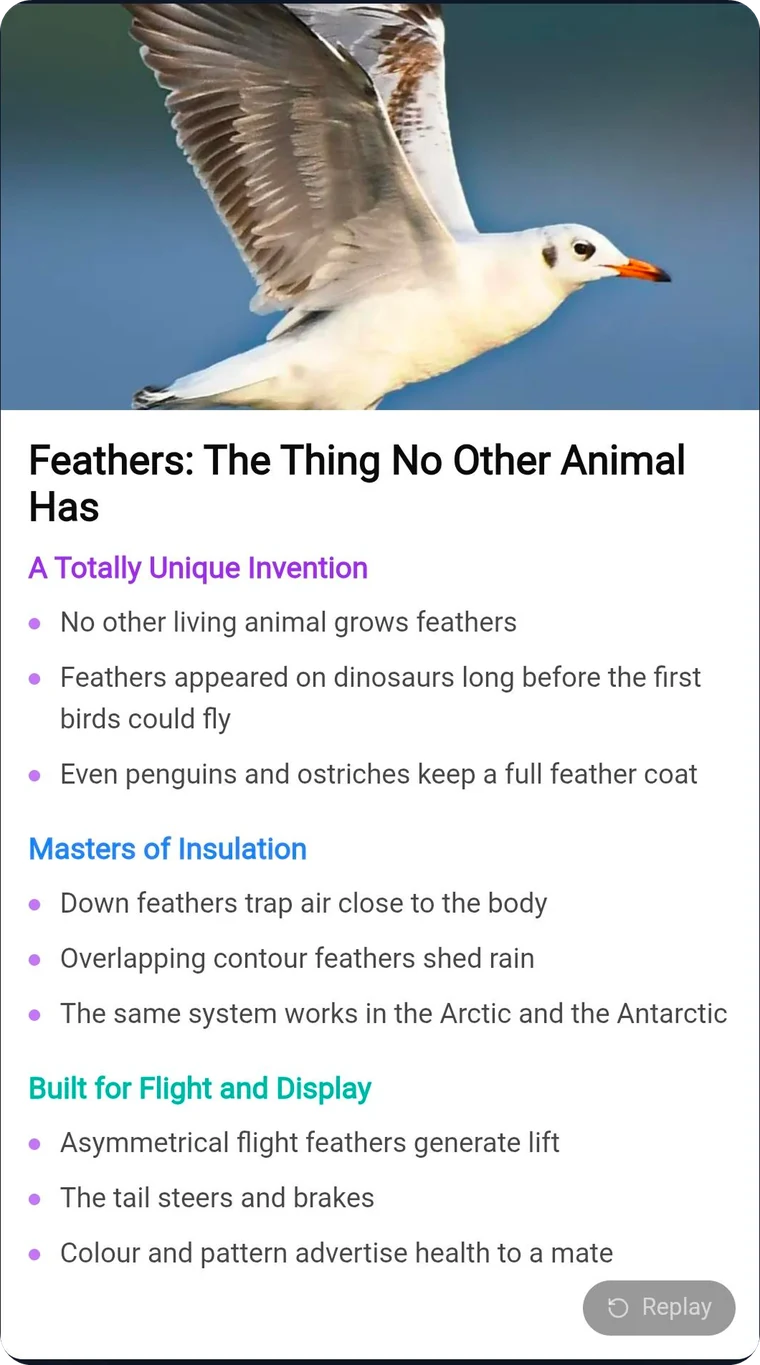
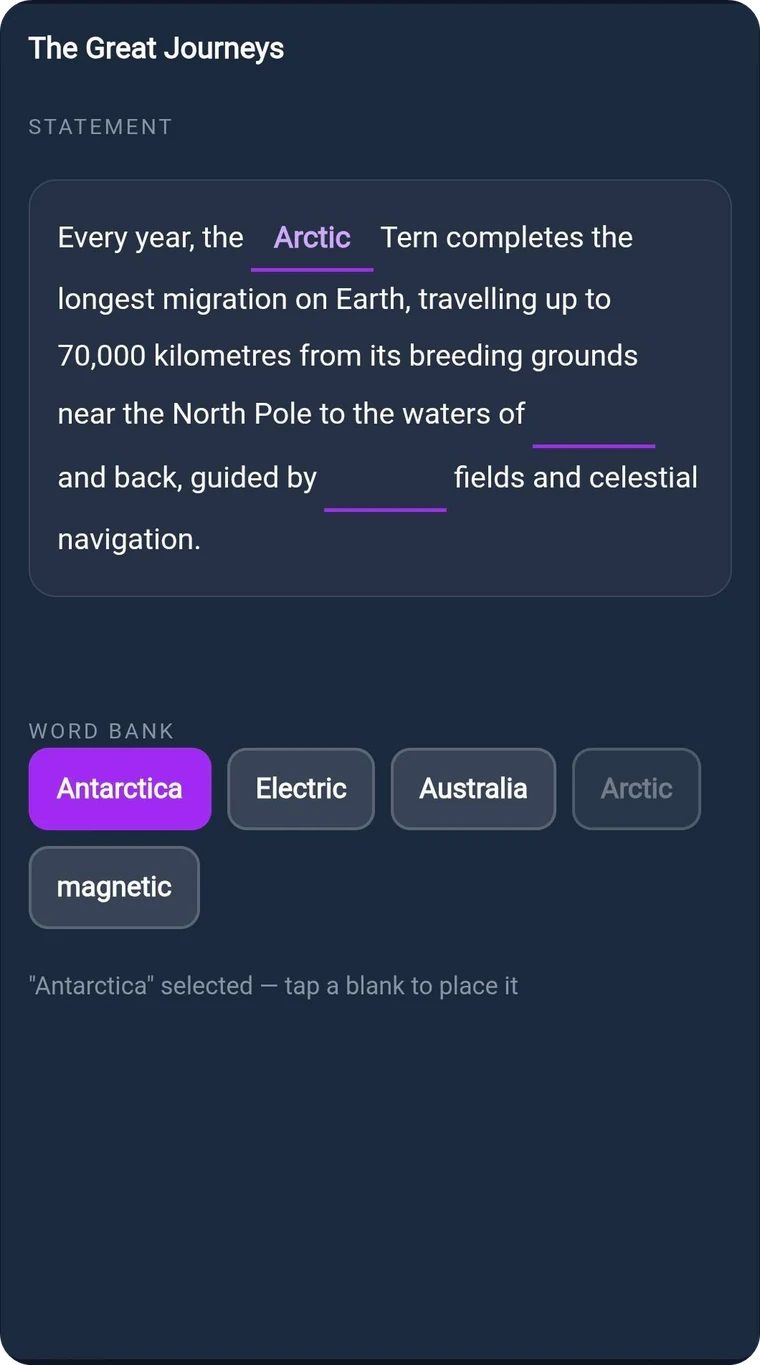
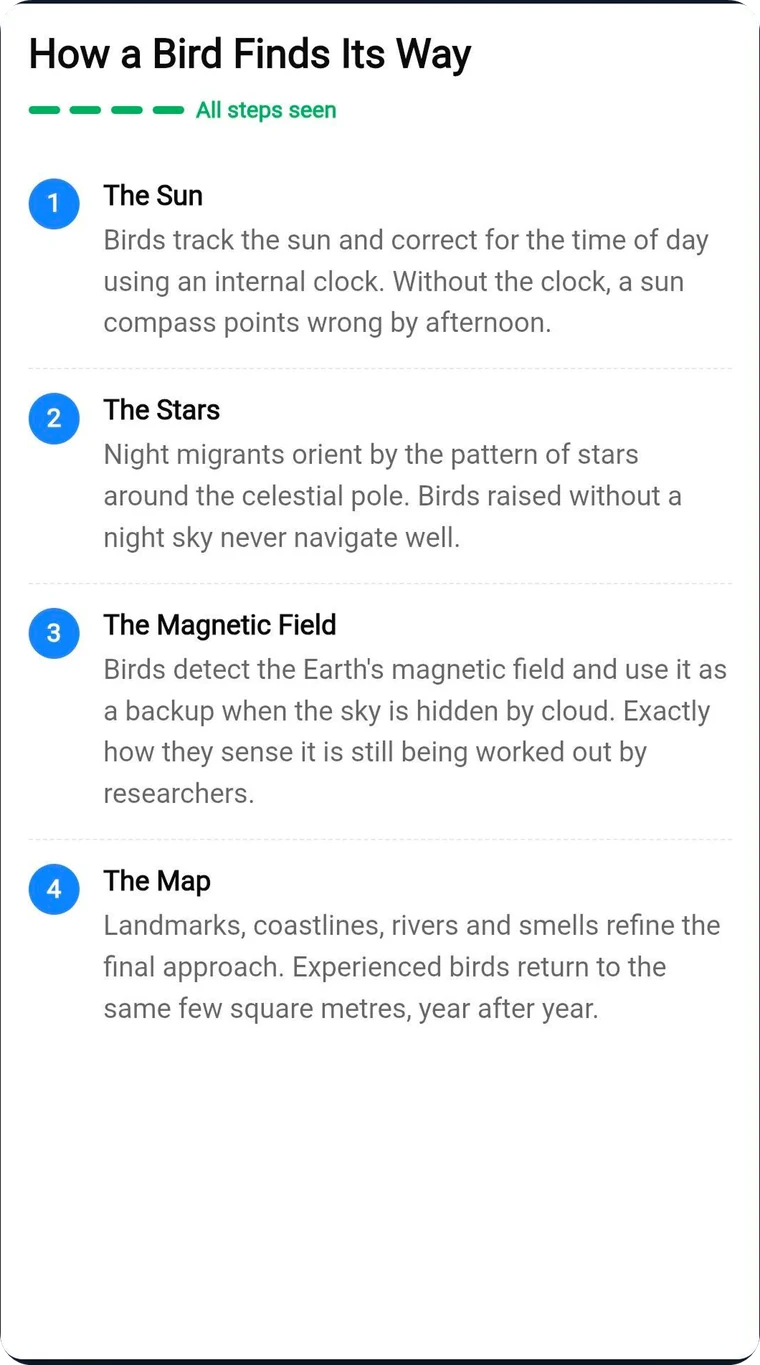

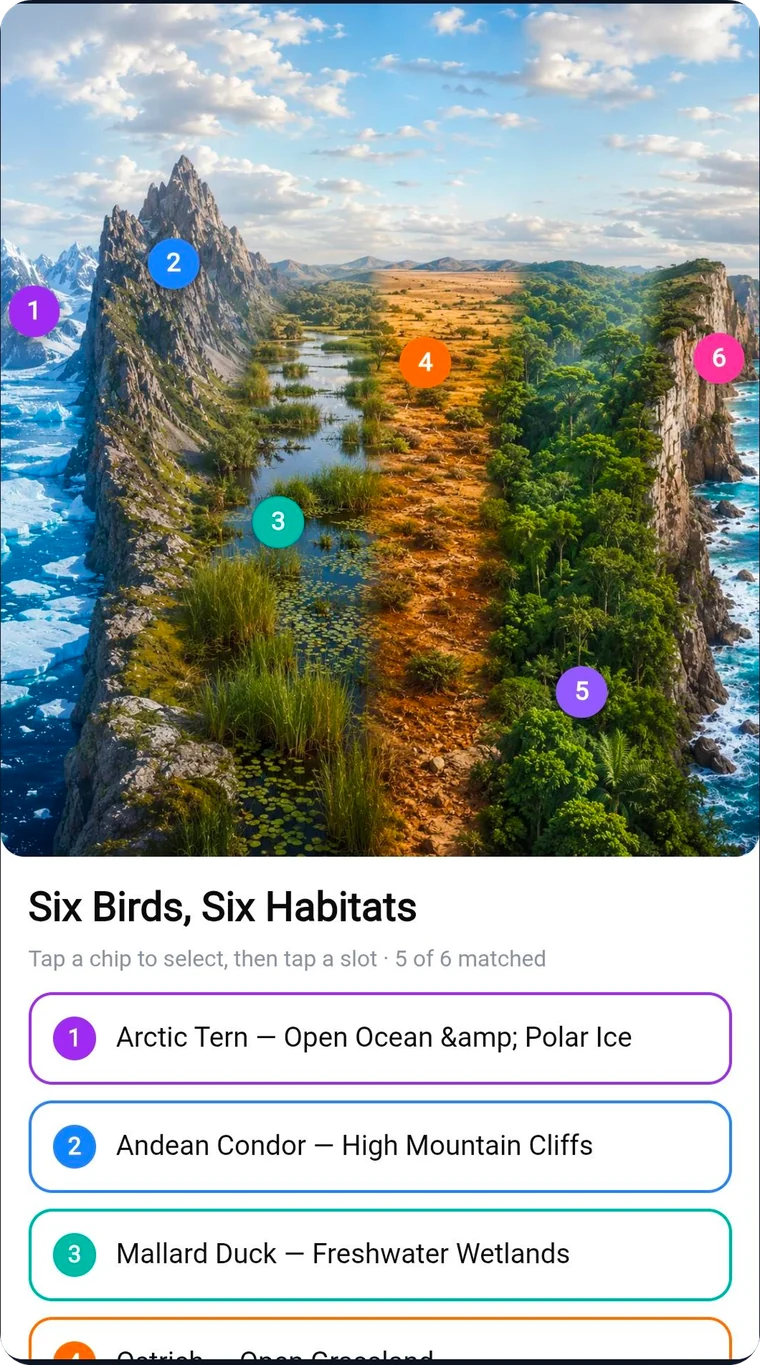
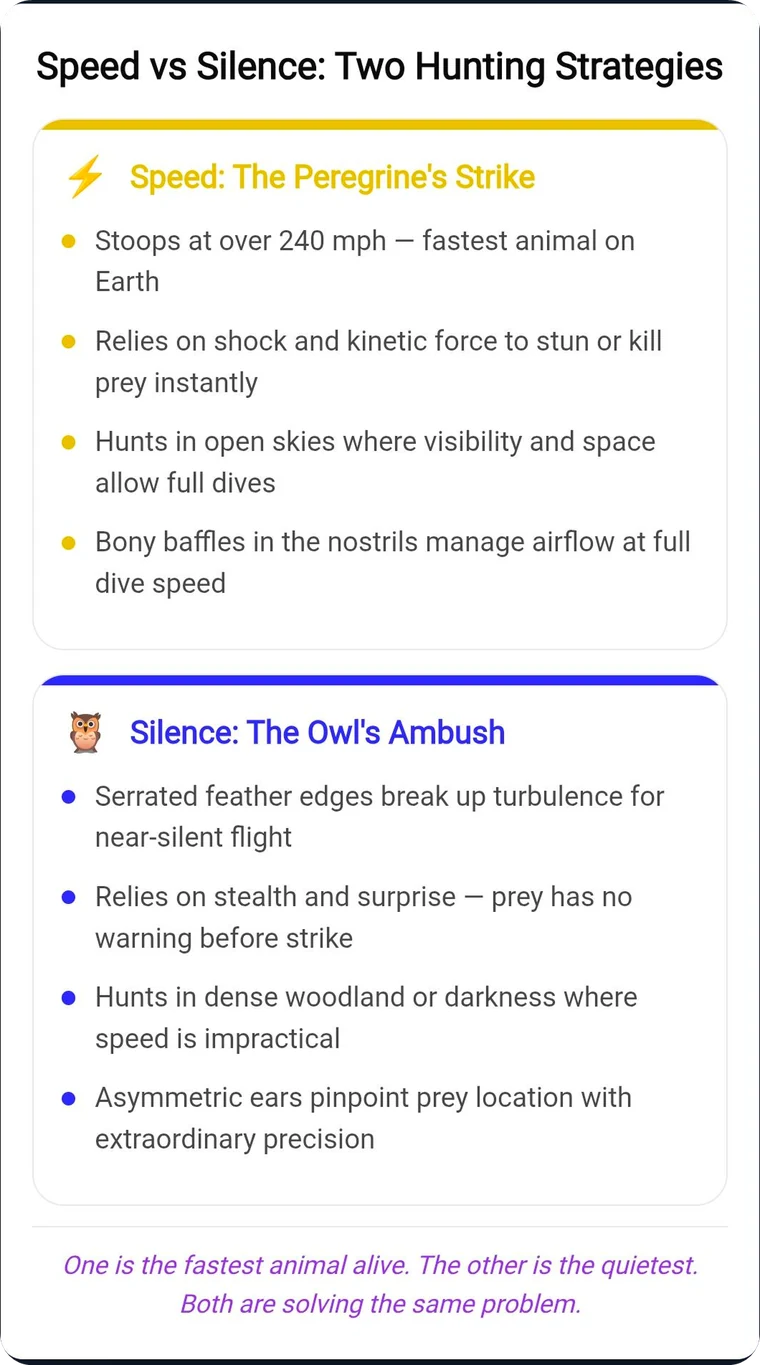
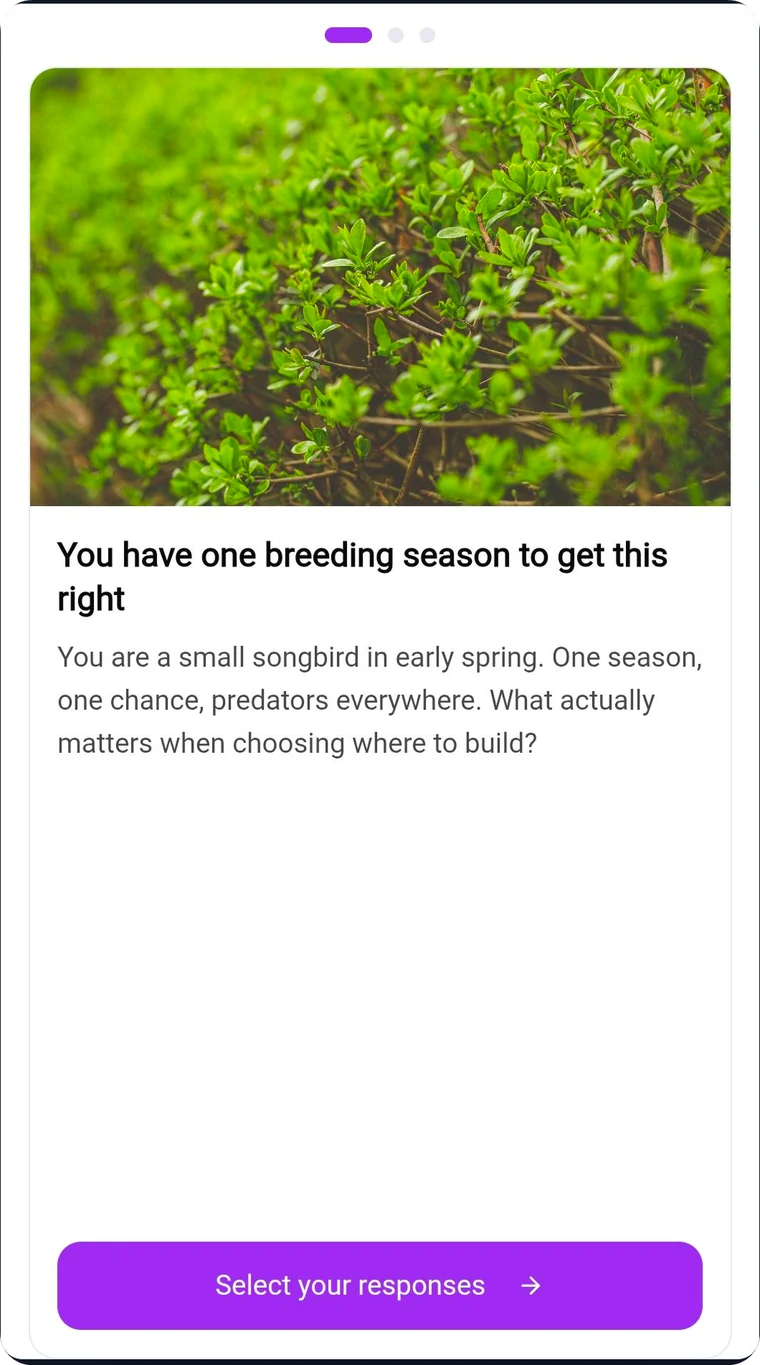
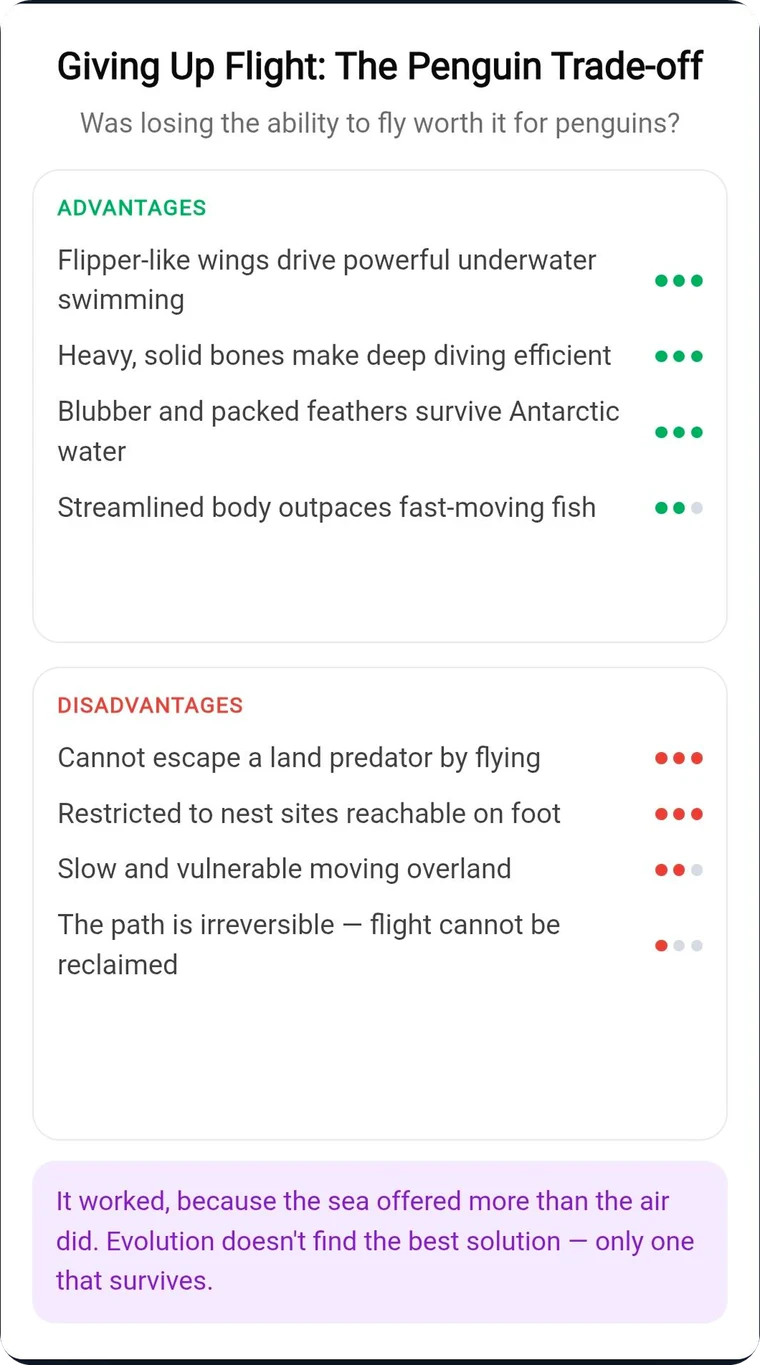
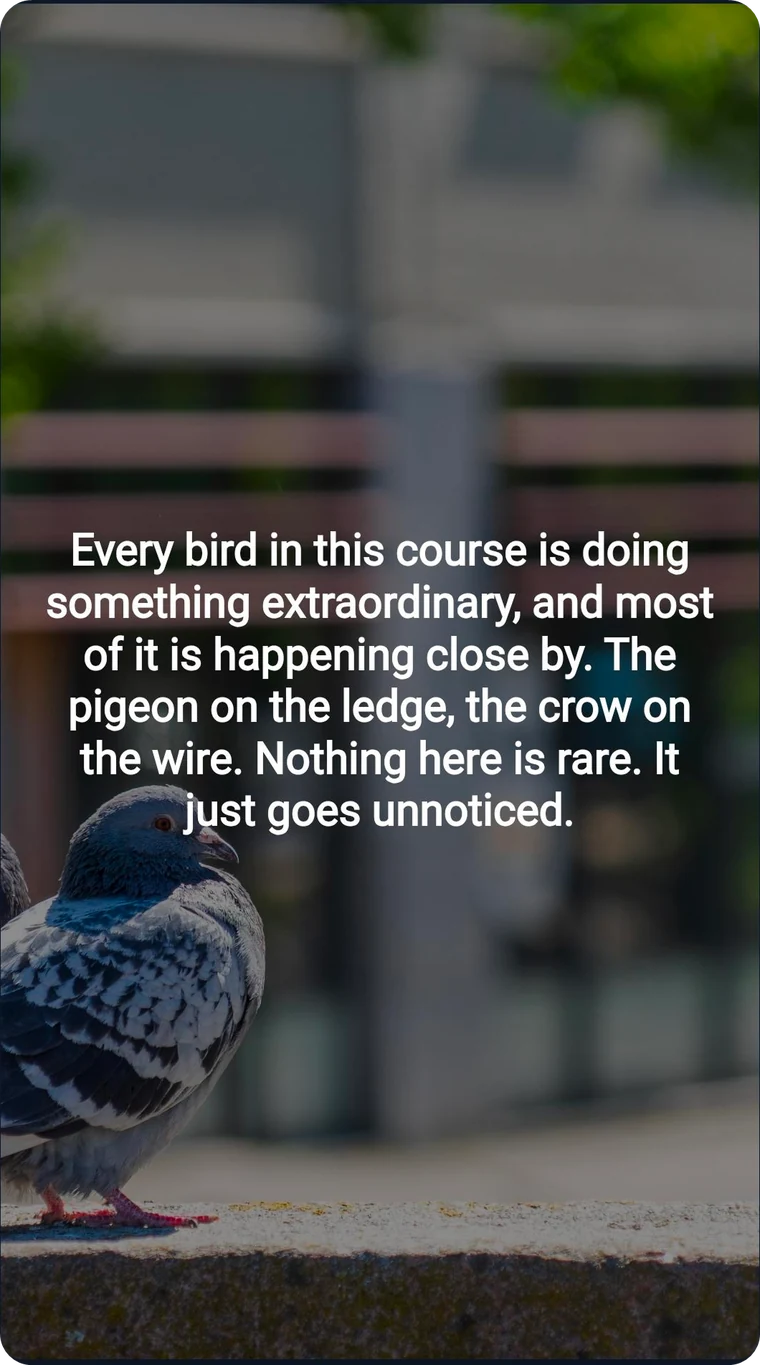
See what a Learnbee course feels like.
This is a real course, running live. Click through the slides, listen to the narration, answer the quiz.
Why can't I just use ChatGPT?
You can, for the first draft. What comes back is writing — not a course anyone can be assigned, complete, or be scored on.
Building slides
Voice and words
Visuals
Working with others
Shipping it
25 slide formats
25 editorial layouts, ready to use. Pick one and the slide is built — no design work, no template wrangling.
Less time building. More training that works.
See what shifts when you build courses the Learnbee way.
Built to turn any idea into a course learners finish.
Nine integrated capabilities that work together to close the gap between writing a course and shipping one that works.
AI Course Wizard
Create training in minutes, not months
25 Editorial Slide Formats
Not templates — editorial-grade layouts
Custom Slide & Templates
When no format fits, describe it
Media Library
Images, video, and PDFs — search, upload, reuse
Click-Mode Interactivity
Learners engage, not just click Next
Translate & Narrate, 16 Languages
The whole course — content and voiceover
Assessments That Auto-Grade
Gated, scored, and SCORM-ready
SCORM 2004 Export
Self-contained .zip, any LMS
Publish & Share
6-char code, QR, embed — live instantly
Collaborate in Real Time
Invite others to view, comment, or edit
Don't start from scratch. Start from here.
A growing collection of professionally authored courses; free to share as-is, or clone into the editor, customise for your team, and export to your LMS via SCORM.

Security 101 for Teams
Curated by Learnbee
Information security goes beyond preventing cyberattacks—it's about protecting the confidentiality, integrity, and availability of organizational data. This library introduces employees to the policies, processes, and best practices required to securely manage information throughout its lifecycle while reducing business risk and maintaining compliance.

Growth Mindset
Curated by Learnbee
A curated collection of short courses to help you understand, recognise, and develop a growth mindset — at work and in everyday life.

Curious Minds
Curated by Learnbee
Short, narrated courses for anyone who likes to learn how the world works, starting with Birds: Masters of Survival.
Curated courses coming soon
You've likely got a few questions
Create your first course with Learnbee
Start with a document, a topic, or a blank page. Turn your ideas and existing content into an engaging course in minutes.